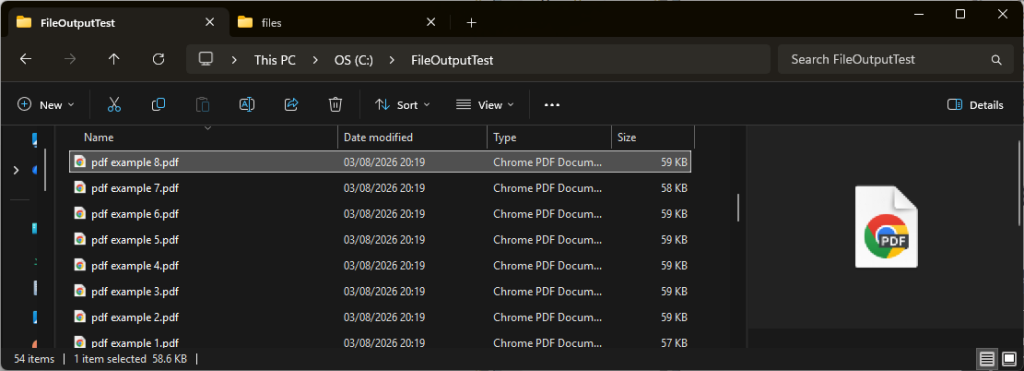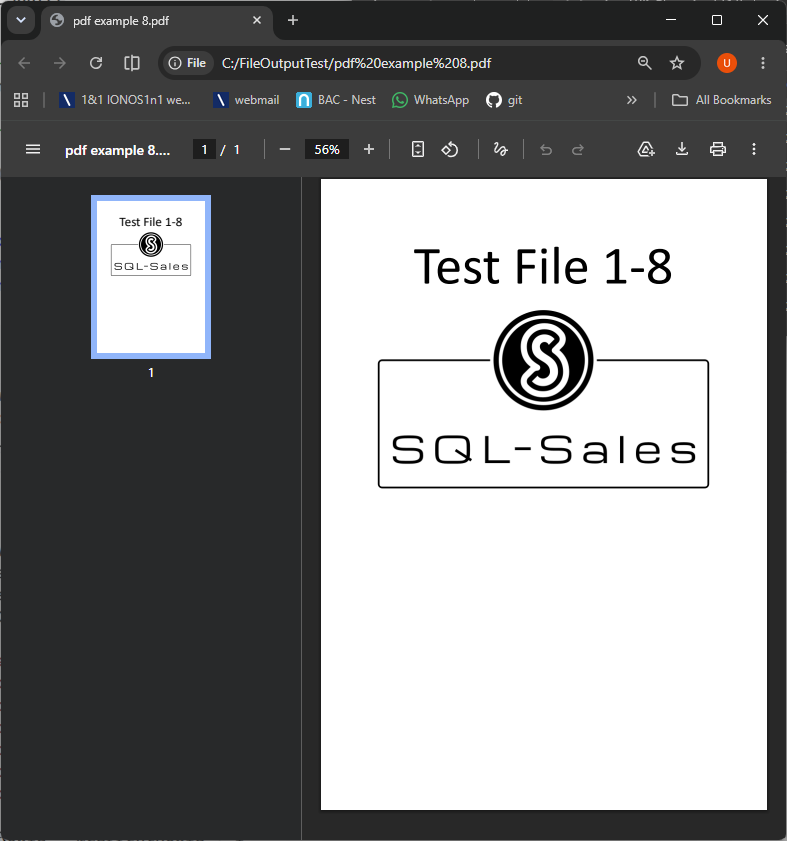
Binary (Base64) data has been replicated with this Config tool setting enabled:

will result in file data held in SQL datatype varbinary(max), for example ContentVersion.VersionData
If you need to convert this data into actual physical files, the scripts and steps provided below will achieve this. The following is standard TSQL and nothing to do with SQL-Sales as such but will hopefully be a helpful resource.
Setup / Assumptions
Content/Version
select * from ContentVersion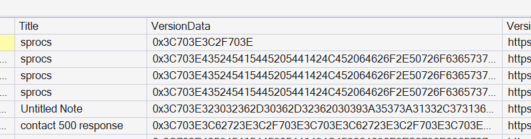
In this example we only need VersionData, Title, FileExtension. A while loop will be used to build the created filename and the resultant string passed to the SQL OLE Automatation Procedures, as such we will additionally introduce a “RowId” to give each row a unique Id (purely to support the loop)
Note, if you do not enable “Ole Automation Procedures” in your SQL Server you will encounter this error
SQL Server blocked access to procedure ‘sys.sp_OACreate’ of component ‘Ole Automation Procedures’ because this component is turned off as part of the security configuration for this server. A system administrator can enable the use of ‘Ole Automation Procedures’ by using sp_configure. For more information about enabling ‘Ole Automation Procedures’, search for ‘Ole Automation Procedures’ in SQL Server Books Online.
To enable this setting run the following:
EXEC sys.sp_configure 'show advanced options', 1;
RECONFIGURE;
GO

EXEC sys.sp_configure 'Ole Automation Procedures', 1;
RECONFIGURE;
GO
Configuration option 'show advanced options' changed from 1 to 1. Run the RECONFIGURE statement to install.
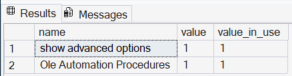
Configuration option 'Ole Automation Procedures' changed from 0 to 1. Run the RECONFIGURE statement to install.You can check this ran OK with:
SELECT
    name,
    value,
    value_in_use
FROM sys.configurations
WHERE name IN
(
    'show advanced options',
    'Ole Automation Procedures'
);
With Ole Automation Procedures setup OK proceed to preparing and running your script. The example provided functionally works but you will likely need to modify to your own requirements (custom file name, output location etc).
Source data
-------------------------------
drop table if exists ContentVersion_Source
select
identity(int,1,1) as RowId
,VersionData
,Title
,FileExtension
into ContentVersion_Source
from ContentVersion
where IsLatest = 1
-------------------------------

select * from ContentVersion_Source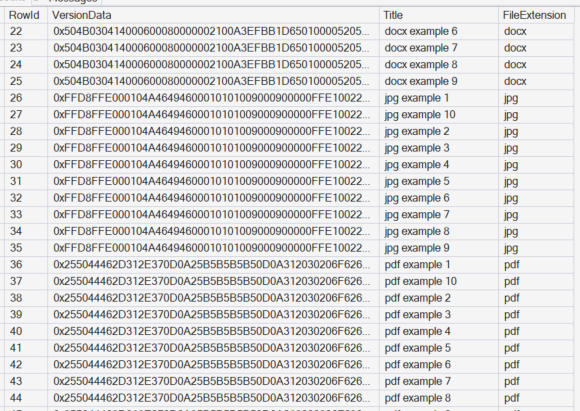
File generation script loop
Note, as mentioned, assumes you have enabled Ole Automation Procedures
-------------------------------
declare
@CurrentId nvarchar(max)
,@CurrentRowId int
,@MaxrowId int
,@OutputFolder nvarchar(255)
,@CurrentBody varbinary(max)
,@Current_Filename nvarchar(max)
,@ObjectToken int

select
@CurrentRowId = 1
,@MaxrowId = max(RowId)
,@OutputFolder = 'C:\FileOutputTest\'
from ContentVersion_Source

while @CurrentRowId <= @MaxrowId
begin
	select
	@CurrentBody = VersionData
	,@Current_Filename = @OutputFolder + Title + '.' + FileExtension
	from ContentVersion_Source
	where RowId = @CurrentRowId

	exec sp_OACreate N'ADODB.Stream', @ObjectToken OUTPUT
	exec sp_OASetProperty @ObjectToken, N'Type', 1
	exec sp_OAMethod @ObjectToken, N'Open'
	exec sp_OAMethod @ObjectToken, N'Write', NULL, @CurrentBody
	exec sp_OAMethod @ObjectToken, N'SaveToFile', NULL, @Current_Filename, 2
	exec sp_OAMethod @ObjectToken, N'Close'
	exec sp_OADestroy @ObjectToken

	select @CurrentRowId = @CurrentRowId + 1
end
-------------------------------
Commands completed successfully.
Completion time: 2026-08-03T21:06:22.4786182+01:00In the above example the output path is set to C:\FileOutputTest\